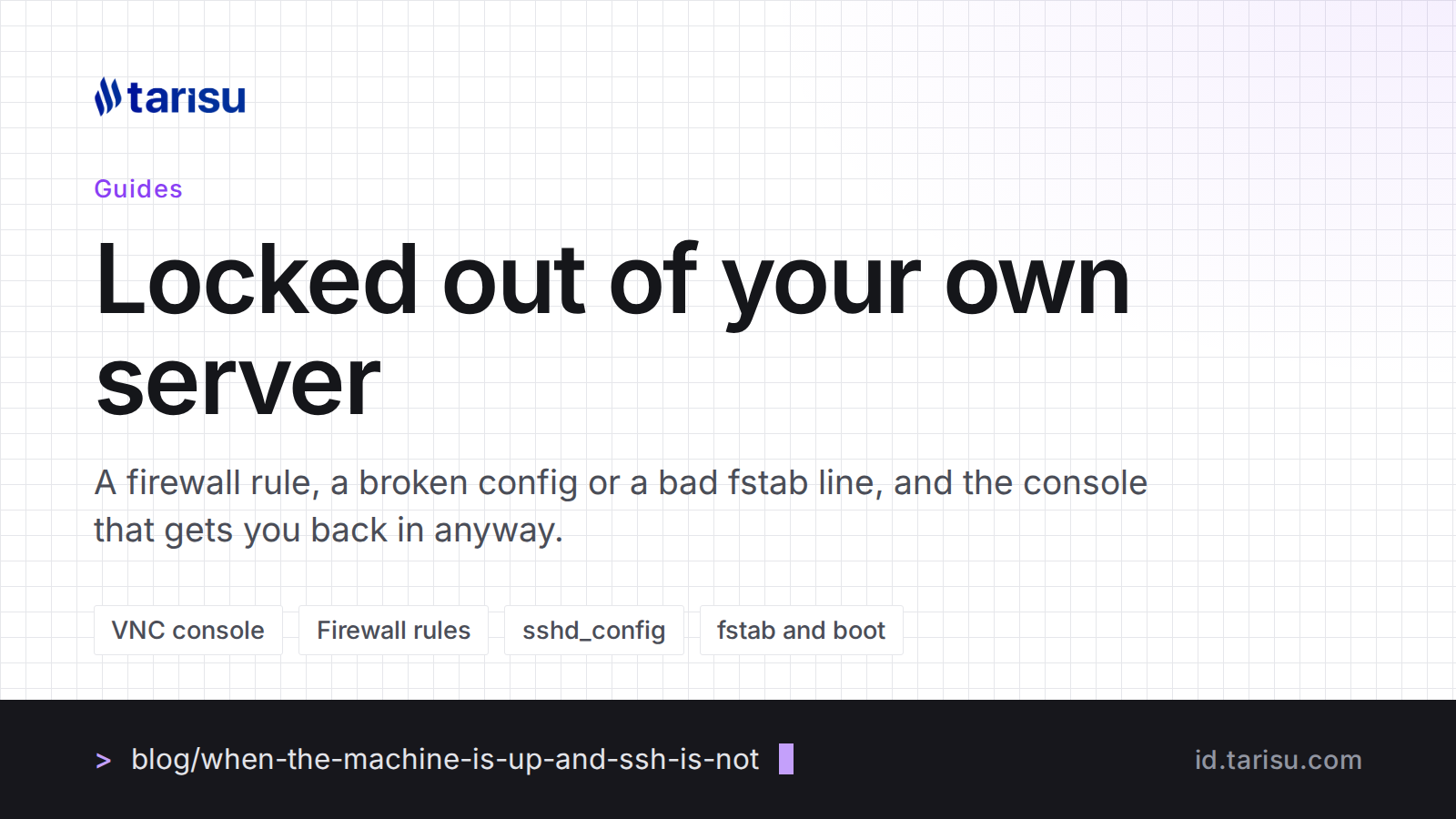
There is a particular silence that follows pressing return on an SSH command that does not come back. The machine is probably fine. Something you changed a minute ago decided that you, specifically, are not allowed in any more, and the tool you would normally use to undo it is the tool that stopped working.
Every VPS plan here carries a console in the client area for exactly this. It is worth understanding what it is before you need it, because at two in the morning is a bad time to learn.
What the console actually is
The console is a screen and a keyboard attached to the virtual machine, in the same sense that a monitor is attached to a computer under a desk. It does not go over SSH, it does not go through your firewall, and it does not care whether the network stack inside the machine is working. If the machine is powered on, you get what the machine would be showing on a monitor: the boot messages, the login prompt, the kernel panic, whichever it happens to be.
That is why it fixes the problems SSH cannot. It is also why it is not a replacement for SSH: it is a picture of a terminal rather than a terminal, so it will not scroll back forever, copy and paste is awkward, and you cannot pipe a file into it. Use it to repair the thing that broke the connection, then go back to SSH.
The four ways people lock themselves out
A firewall rule. The most common one by a distance. A rule is added, the policy flips to drop, and port 22 is not in the list. The machine runs perfectly and answers nothing. On the console, log in and look at the active rules; on a default install that is iptables -L -n or nft list ruleset, and whatever manages them on your distribution. Flush or correct the rule before you change anything else.
A broken sshd_config. An edit with a typo in it, then a restart of the service, and sshd refuses to start. Nothing is listening, so the connection is refused rather than hanging. On the console, sshd -t names the line, and the service starts once the line is right.
Key authentication turned on before the key worked. Password login is disabled, the public key is in the wrong file or has the wrong permissions on the home directory, and the door closes behind you. The console does not need either, so you can put the key where it belongs or turn the password back on long enough to fix it.
A bad line in fstab. This is the one that looks worst and is not. A mount entry that does not resolve stops the boot, and the machine sits at an emergency prompt that only something attached to the machine can see. The console is attached to the machine. Comment out the line, reboot, and it is over.
The buttons beside it
The same service page carries the power actions, so a machine that is genuinely wedged can be stopped and started rather than left. It also carries a reinstall, which rebuilds the server from one of the operating system images: AlmaLinux, Rocky Linux, Ubuntu, Debian, CentOS and Fedora are all there, and you can land on a different one than you started with.
Reinstall is the last resort and it does exactly what it says: the disk is written over and everything on it is gone. It is the right answer when the machine is a few hours old and you have not put anything on it yet, and the wrong answer about an hour before you would have found the firewall rule.
Two minutes of preparation
Before the next time you edit something that could lock you out:
- Open the console once now, while everything works, and log in with it. Knowing that your password works there is the whole point of the exercise, and finding out that it does not is better done today.
- Keep a second SSH session open while you edit sshd_config or the firewall. An open session survives the change that blocks new ones, so you can undo it from the session you already have.
- Test before you restart.
sshd -tfor the SSH daemon, and for firewall rules a scheduled command that flushes them in five minutes unless you cancel it.
What the console does not fix
It gets you to the machine. It does not get you to the data on a disk you have reformatted, it does not undo a rm, and it is not a backup. A VPS hands you the root password and the whole job with it: the patching, the firewall, the monitoring and the backups are yours from the first login. The console is the thing that means a mistake in any of those is a bad twenty minutes rather than a rebuild.